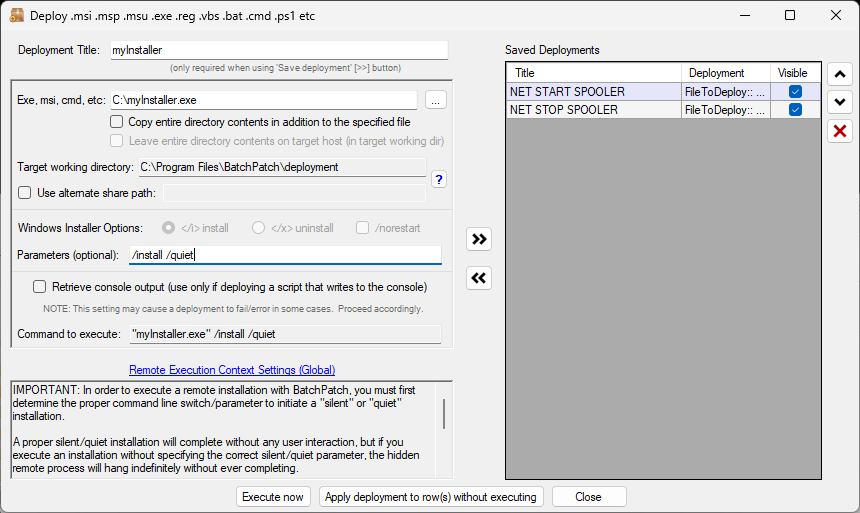
There is generally only one reason why a deployment hangs indefinitely, stuck in the ‘Executing’ phase in BatchPatch: You did not use the correct silent/quiet installation parameter for your deployment. As a result, the deployment appears to get stuck, hanging indefinitely. This is because the deployment is actually waiting for user input on the target computer (it might be stuck at a screen that prompts you to click ‘Next’ or click ‘OK’ to continue, for example), but since all deployments run hidden, the user input cannot be provided after execution has begun. Instead the user input has to be provided in the form of a silent or quiet installation parameter. In all cases, we recommend the following:
Determine the proper silent/quiet installation parameter
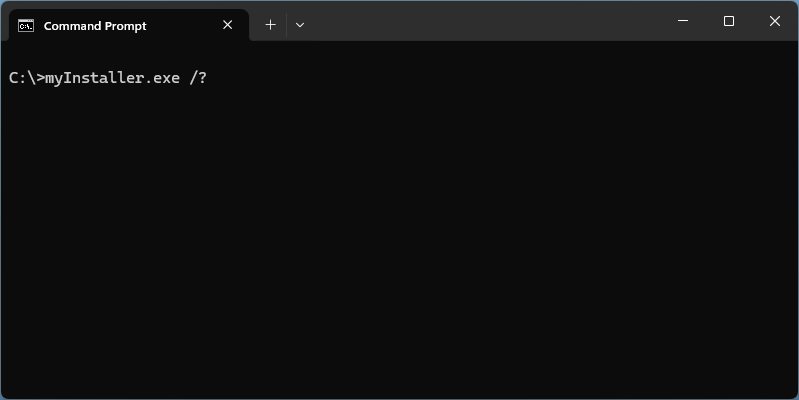
1: Determine the proper silent/quiet installation parameter for your deployment. This might require consulting the vendor’s documentation for the installer that you are deploying, or it might just require running the installer with a ? or /? switch to see the available options, or even just some good old fashioned experimentation. The screenshot below is just for illustration purposes. Your installer’s help parameter may be different or nonexistent.
Test at the command prompt
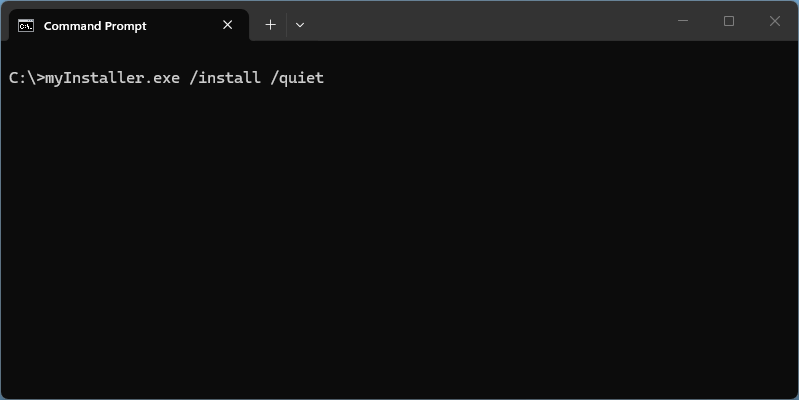
2: Test the deployment at the command line WITHOUT using BatchPatch. Run your deployment manually/directly in the cmd.exe prompt on a given test computer so that you can ensure that it works to completion WITHOUT requiring any additional input from you. This means that it needs to run to completion without popping up a window that requires you to click OK or Next or fill out any information before it can proceed. The screenshot below is just for illustration purposes. Your installer’s quiet/silent installation parameters will likely be different.
Test your deployment in BatchPatch
3: AFTER you have confirmed that your command syntax works correctly to completion at the command line without ever requiring any additional user input, you may then run the deployment inside of BatchPatch, utilizing the same syntax for a quiet/silent installation that you ran successfully outside of BatchPatch. The screenshot below is just for illustration purposes. Your installer’s quiet/silent installation parameters will likely be different.