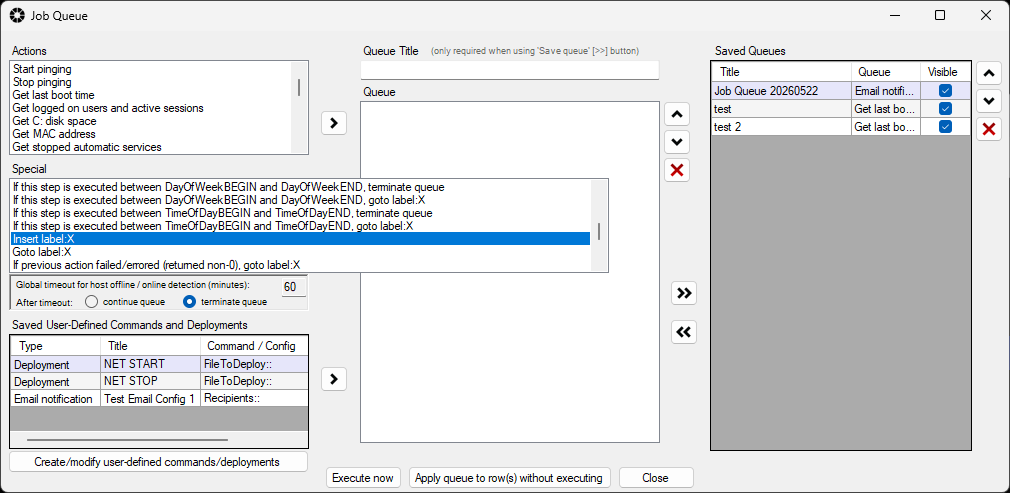
In the Job Queue window in BatchPatch under Actions > Job queue > Create/modify job queue there is a Special listbox that contains items that can be inserted to a job queue to enable behavior for looping and/or branching. As a start, notice:
Insert label:X
Goto label:X
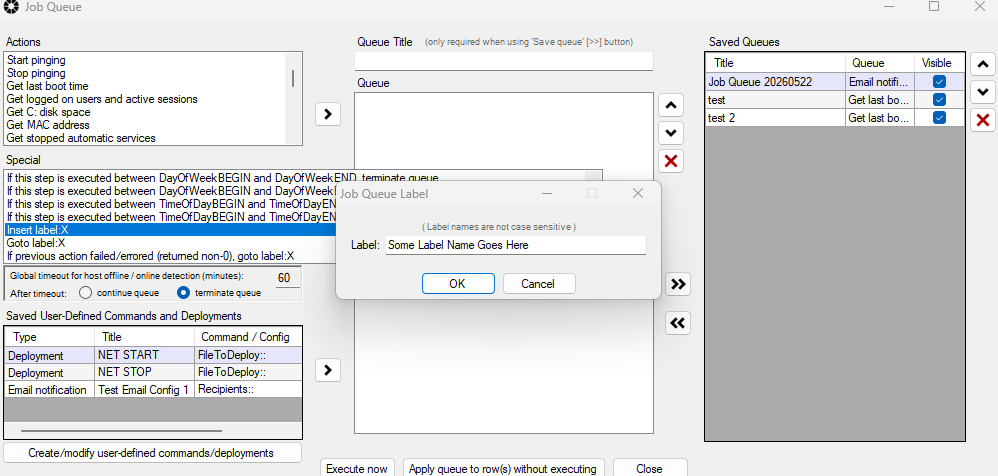
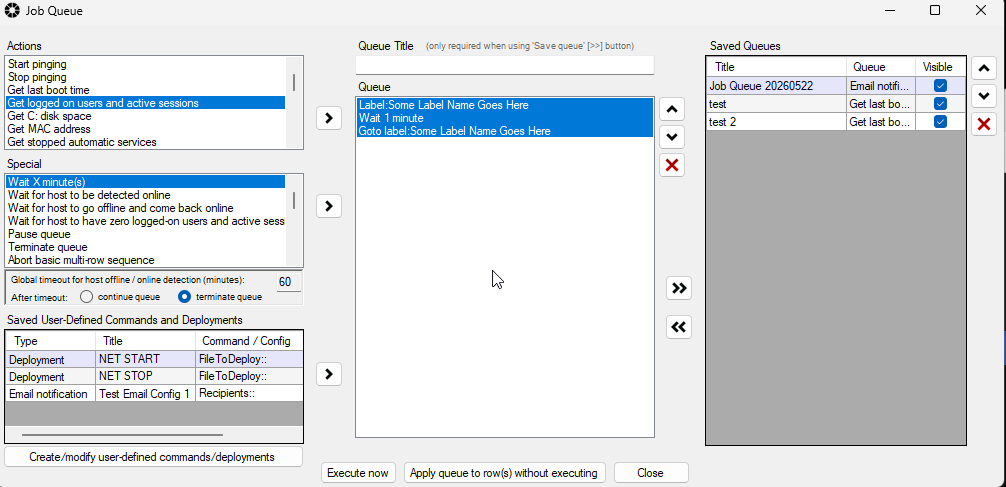
You can easily insert a Label at any step in your queue, which can be used in conjunction with a Goto. Then during queue’s execution when the Goto is reached, it will instruct execution to jump to wherever the Label is in the queue. For example, the loop below is an example of something that you would never want to do in practice. It’s an infinite loop that just waits 1 minute on each iteration while doing nothing.
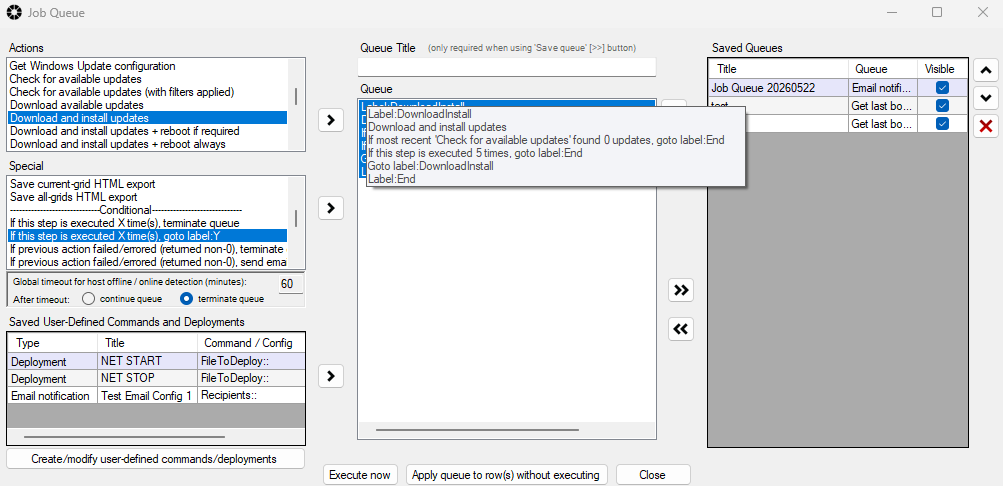
However, here is a more useful real world example of what a sysadmin might actually do. The loop in the screenshot below will attempt to download and install updates repeatedly until 0 updates are available for download/install. When 0 updates are available, execution skips to the Label:End. However, if for some reason there are updates available but perhaps failing to install, the loop also ends if it executes 5 times. Note, there is no reboot operation occurring in this loop, so a great add-on would be to put a reboot command as the very last step below Label:End.